Create as many locations as your company
needs. Assign users to specific locations.
Clock-In to
Payroll
If the internet goes down, employees can
still clock in/out without issue. When internet
comes back, everything syncs up to the cloud
No internet
required
See who is working, on break, late, absent or scheduled across every business location.
Live Store
Status
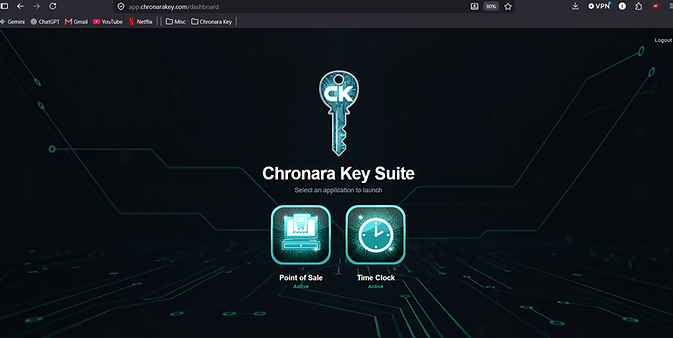
Like POS, the Time-Clock exists online as well, accessed through the internet browser.
Web Application
Sync



-
Employee Clock-In, Breaks and Clock-Out
-
Live Store Status Across Every Location
-
Employee Scheduling and Shift Management
-
Editable Employee Timecards
-
Time-Off Requests and Manager Approvals
-
Automatic Payroll Hour Integration
-
Real-Time Attendance and Late Tracking
-
Missed Shift and Absence Monitoring
-
Break Tracking and Timecard Corrections
-
Multi-Store and Multi-Time-Zone Support
-
Manager Overrides and Manual Adjustments
-
Automatic Duplicate Punch Protection
-
Cross-Device Conflict Detection and Review
-
Employee Clock-In Reminders and Messages
-
Detailed Timecard and Attendance History
-
Offline Time Tracking with Automatic Cloud Sync
-
Simple, Intuitive Employee Interface
-
Desktop and Online Web App
Main Features
Time-clock is accessed by the sign in screen where you can choose the store and user you want to sign into


Web Application
Not every company uses a desktop computer for their Time-Clock, and that is why Chronara Key also has a web application you can access that mirrors the desktop application.
(Internet is required to use the web app)
All in One Dashboard
Detailed Schedule Builder
Smart Employee Shift Viewer
Employee Request Manager
Live Store Status Controller
Employee Management
Personalized Clock-in Reminders
...and much more
Desktop Application
Windows 11
Timecard History